A message regarding potential network disruption for patients with Aetna insurance.
Get Familiar with the new MyChart mobile interface
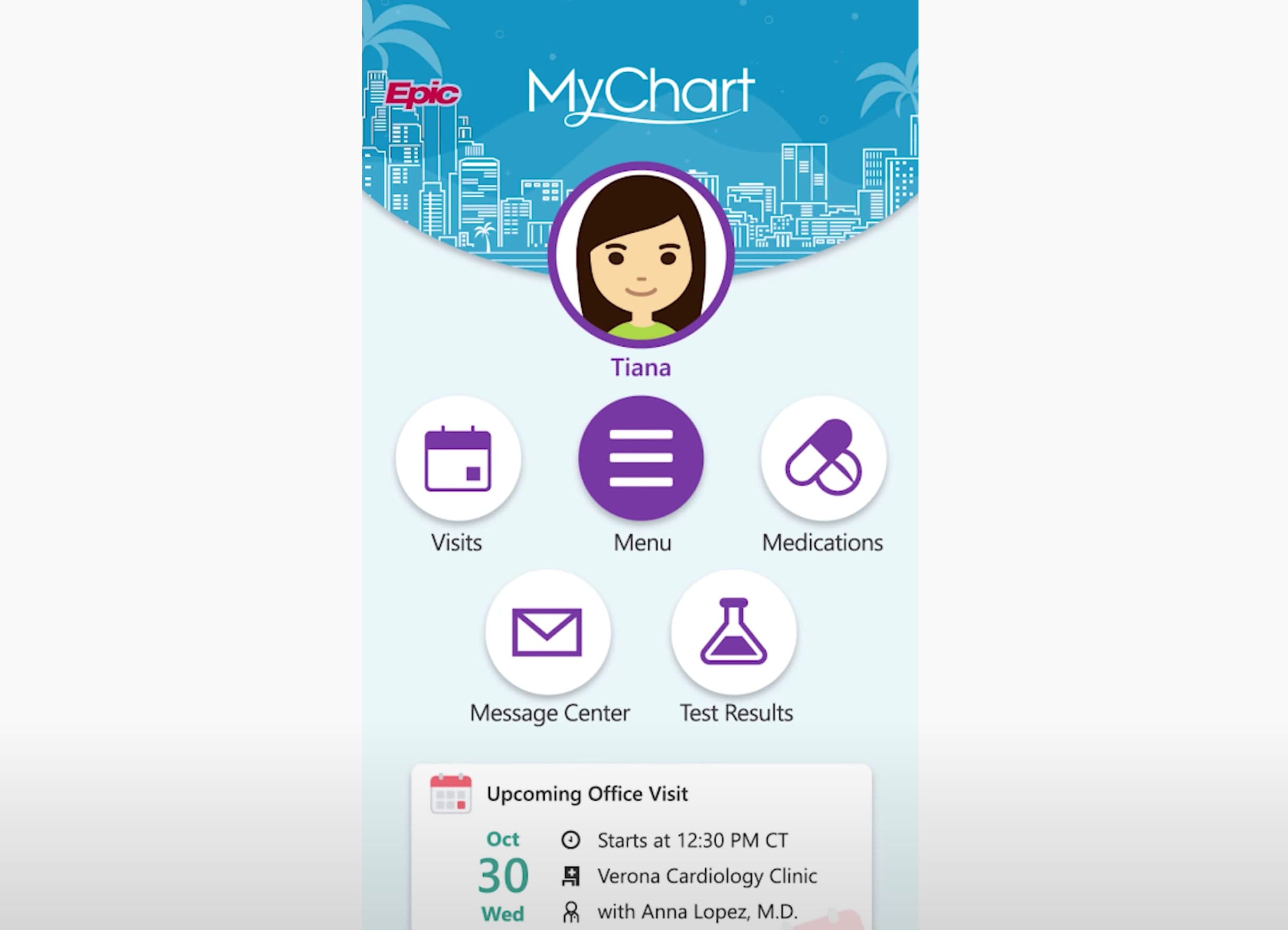
The New MyChart Experience
Learn how to navigate the newly redesigned MyChart through the health feed, shortcuts, and searchable menu.
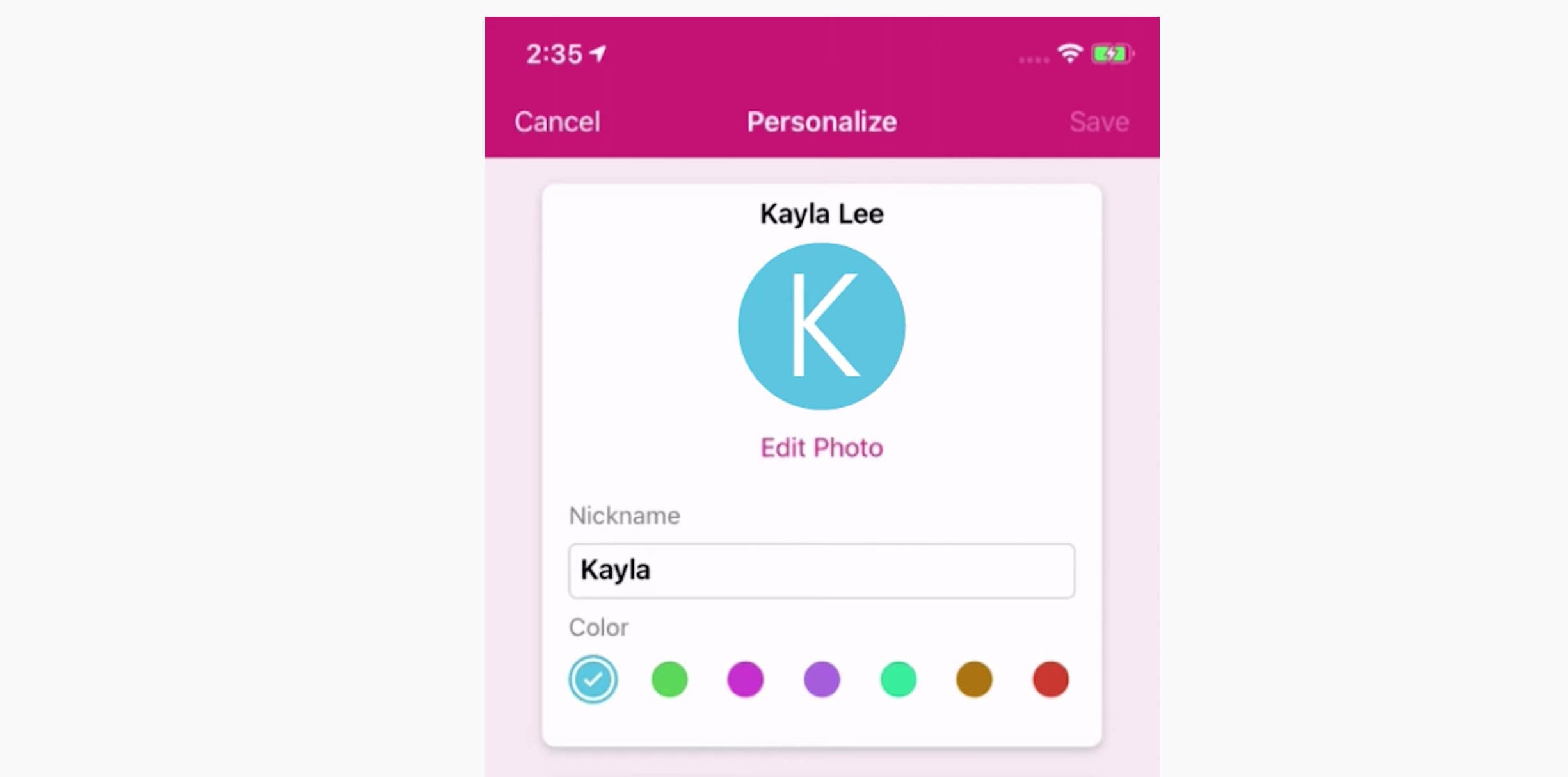
MyChart: Personalization
Tailor MyChart to your personal needs by adding patient photos, setting up alternate login methods, and customizing notification preferences.
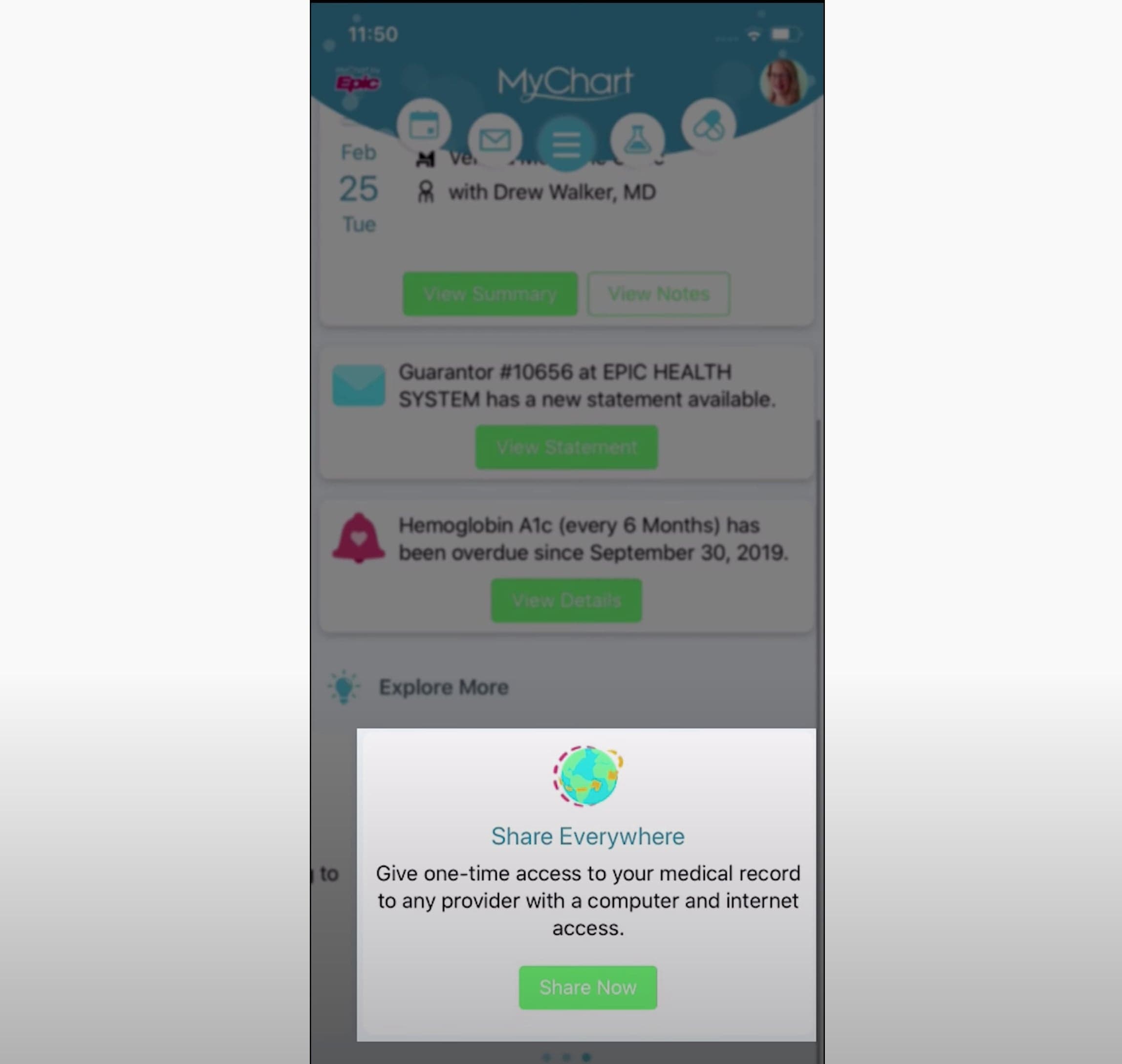
MyChart: Sharing Your Record
Learn how to provide one-time access to your health information with another provider, such as a dentist or physical therapist. You’ll also learn about granting long-term proxy access to a MyChart account if you help manage the care for a family member.
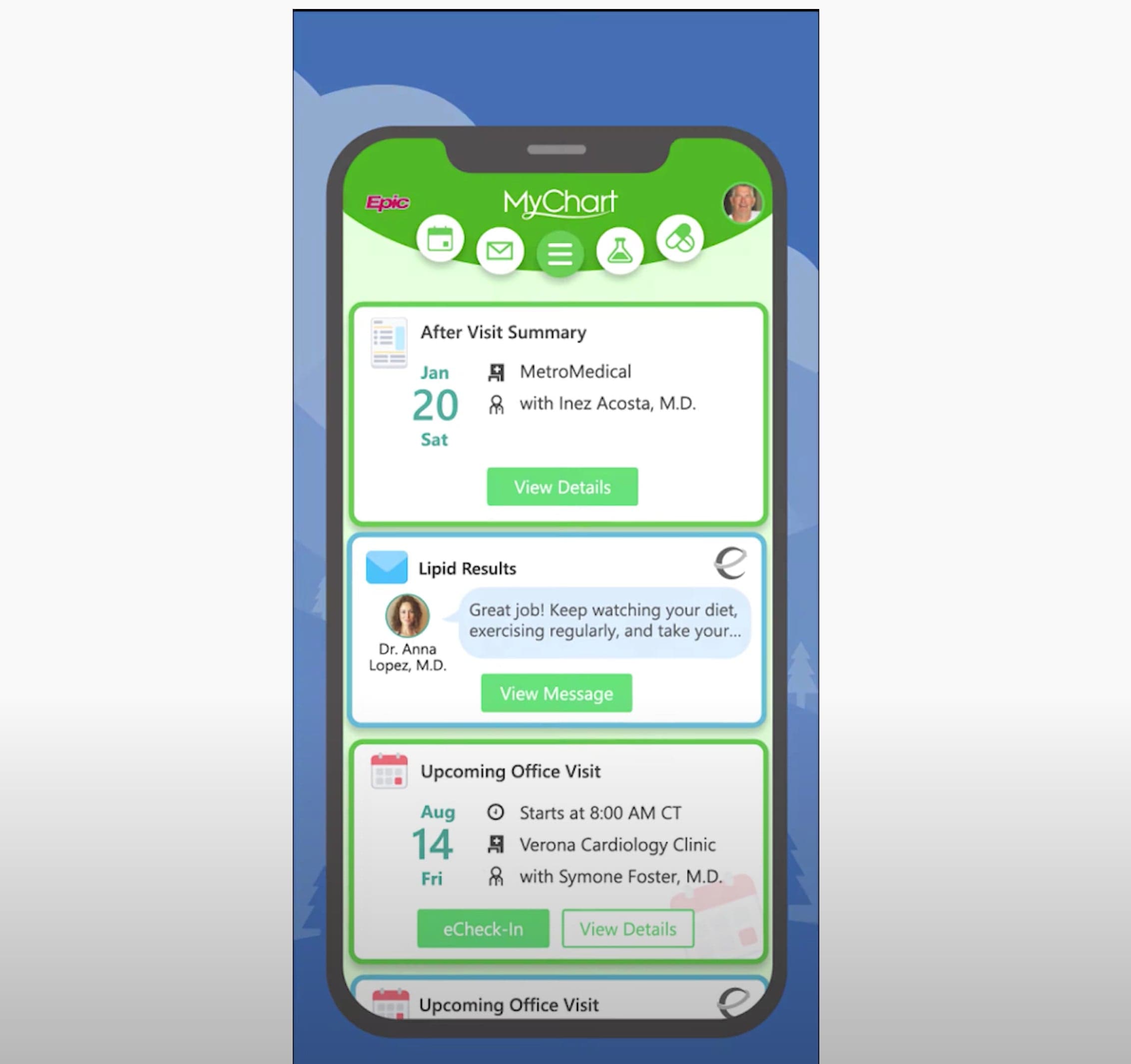
MyChart: Connecting Accounts
Learn how to link your MyChart accounts from multiple healthcare organizations so that you easily switch between them in the MyChart app and see your health information all in one place.
Please Note:
MyChart Mobile Version 9.3 or Higher Now Required
Patients must use MyChart mobile version 9.3 or higher to log in to the MyChart app.
Patients Are Now Prevented from Accessing MyChart with Internet Explorer 10 and Earlier
To help patients to have a positive experience with MyChart, patients are prevented from accessing MyChart with unsupported browsers. Microsoft does not provide active technical support or new security fixes for any versions of Internet Explorer except the most recent. Because Internet Explorer 11 is the most recent version, Epic will no longer support Internet Explorer 10 or earlier for MyChart.
To continue using MyChart, patients can update their web browser, switch to a different web browser such as Google Chrome or Mozilla Firefox, or use the MyChart mobile app for iOS or Android.
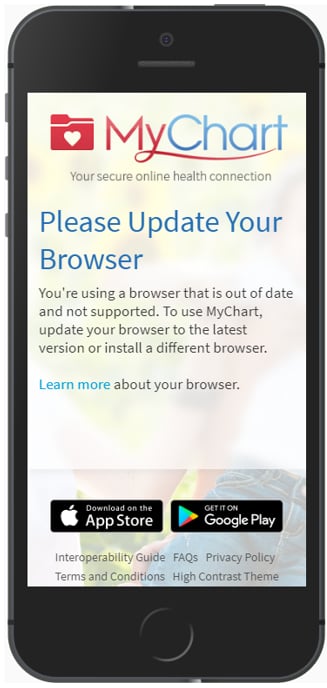
Update Browser Message Now Appears for More Mobile Browsers
When a patient attempts to use the MyChart website on certain older mobile browsers, they will be prompted to update their browser before they can use the MyChart website, as shown in the image.
This message will appear for the following browsers:
- All iOS browsers for iOS 9 or earlier versions
- Chrome for Android v25 or earlier versions
Patients can tap the “Learn more” link within the message to learn more about their current browser and how to update it.
Helpful MyChart Tipsheets
Frequently Asked QuestionsMyChart Portal ActivationMyChart Mobile AppMyChart Guest EstimatesMobile COVID-19 Test InformationeCheck-In MobileeCheck-In DesktopTest ResultsMessage ProviderPay As GuestPrescription Refill RequestRegister for DeliverySchedule Appointment with New PhysicianER Check-In (Available in Conway, Fort Smith and Van Buren)Video Visit MobileVideo Visit DesktopOpen NotesMyChart Patient Entered DataInteroperability Guide-Connecting with 3rd Party Applications via FHIR
